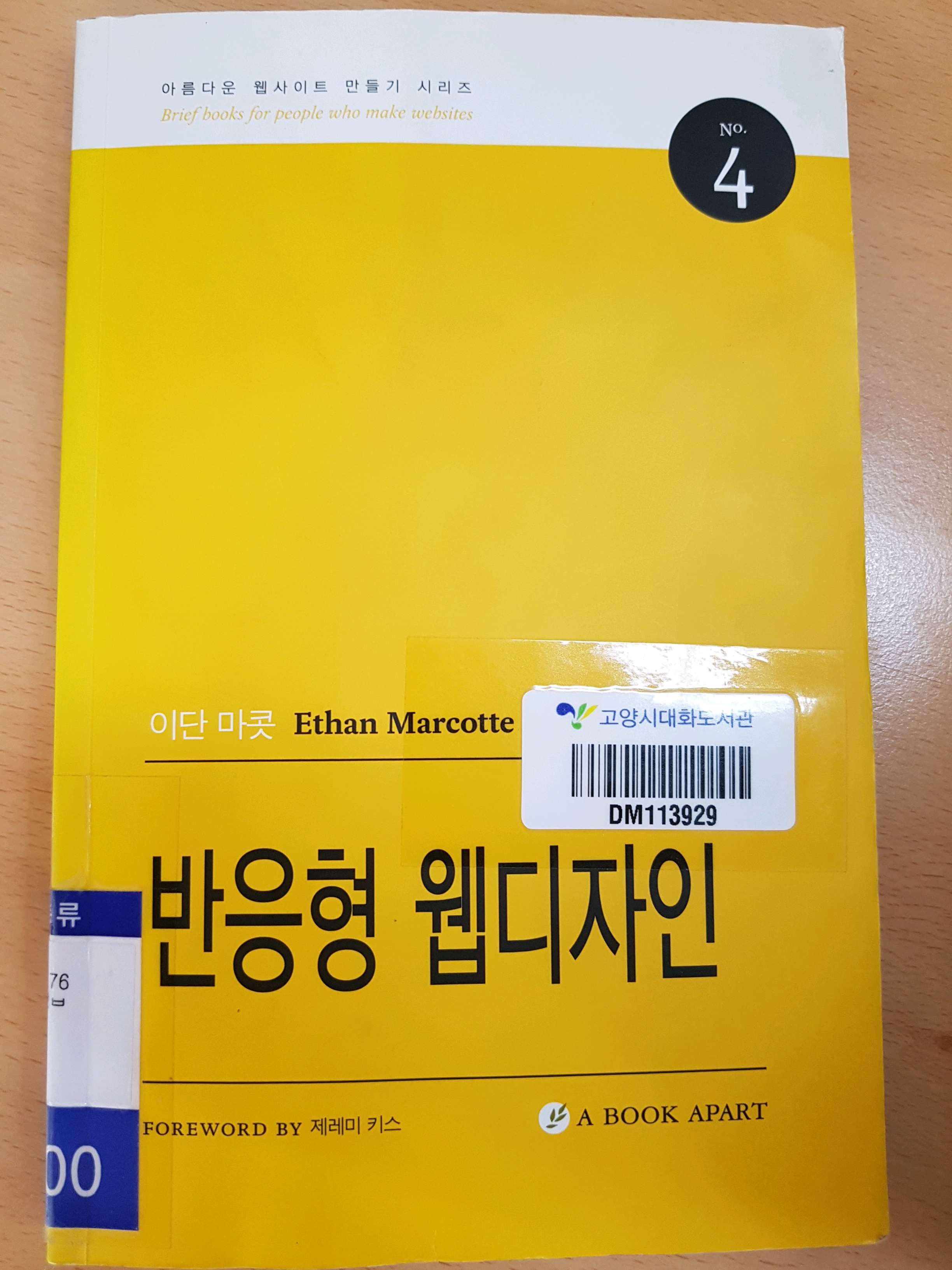
-
가변적인 그리드 기반의 레이아웃
-
가변적인 이미지와 미디어
-
미디어 쿼리(CSS3 명세 모듈)
상대적인 타입 크기는 target / context = result
h1 {
font-size : 24px
font-style : italic;
font-weight : normal;
}
h1 {
font-size : 1.5em; /* 24px / 16px */
font-style : italic;
font-weight : normal;
}
가변 이미지
img {
max-width: 100%
}
img,
embed,
object,
video{
max-width: 100%
}
인쇄 스타일 시트 http://bkaprt.com/rwd/25
뷰포트와 공간
viewport 태그를 사용하면 캔버스 크기를 조절할 수 있고, 원래 디스플레이 값을 덮어쓸 수 있습니다.
<meta name="viewport" content="width=320" />
<meta name="viewport" content="initial-scale=1.0, width=device-width" />
미디어 쿼리
@media screen and (max-width : 768px){
}
@media screen and (max-width : 520px){
}
@media screen and (max-width : 1200px){
}
320(스마트폰 세로), 480(스마트폰 가로), 600(소형태블릿), 768(10인치 태블릿), 1024(데스크탑), 1200(와이드 스크린)
파이오폭스와 크롬의 확장 프로그램인 웹개발자 툴바 (web developer toolbar) 브라우저 창 크기 조절 기능
맷 마르퀴스 슬라이드 쇼
<script src="jquery.js"></script>
<script src="carousel.js"></script>
<script src="core.js"></script>
$(document).ready(function(){
$(".welcom .slides")
.wrapInner('<div class="slidewrap">
<div id="welcome-slides" class="slider">
</div></div>
.find(".slidewrap")
.carousel({
slide: '.figure'
});
});
'예전에 읽은 책들 > 2017년 읽은 책' 카테고리의 다른 글
| 4차산업혁명 세상을 바꾸는 14가지 미래기술(2017.04.18) (0) | 2025.12.23 |
|---|---|
| 나나코와 텐시라베의 예쁜 손글씨방(2017.04.07) (0) | 2025.12.22 |
| 정리정돈 대사전(2017.04.01) (0) | 2025.12.19 |
| 삼국지(2017.03.27) (0) | 2025.12.18 |
| 어린이 초한지(2017.03.26) (0) | 2025.12.17 |


